

Chip Quik CQ-702S Digital Oscilloscope, 10MHz Bandwidth, 48MSa/s Rate
Brand:
Chip Quik
Part #:
CQ-702S
Condition:  Brand New
 $175.50 /Kit
$179.00 You save $3.50 2%
 Manufacturer warranty
Description
Chip Quik, CQ-702S, Digital Oscilloscope, 10MHz Bandwidth, 48MSa/s Sampling Rate
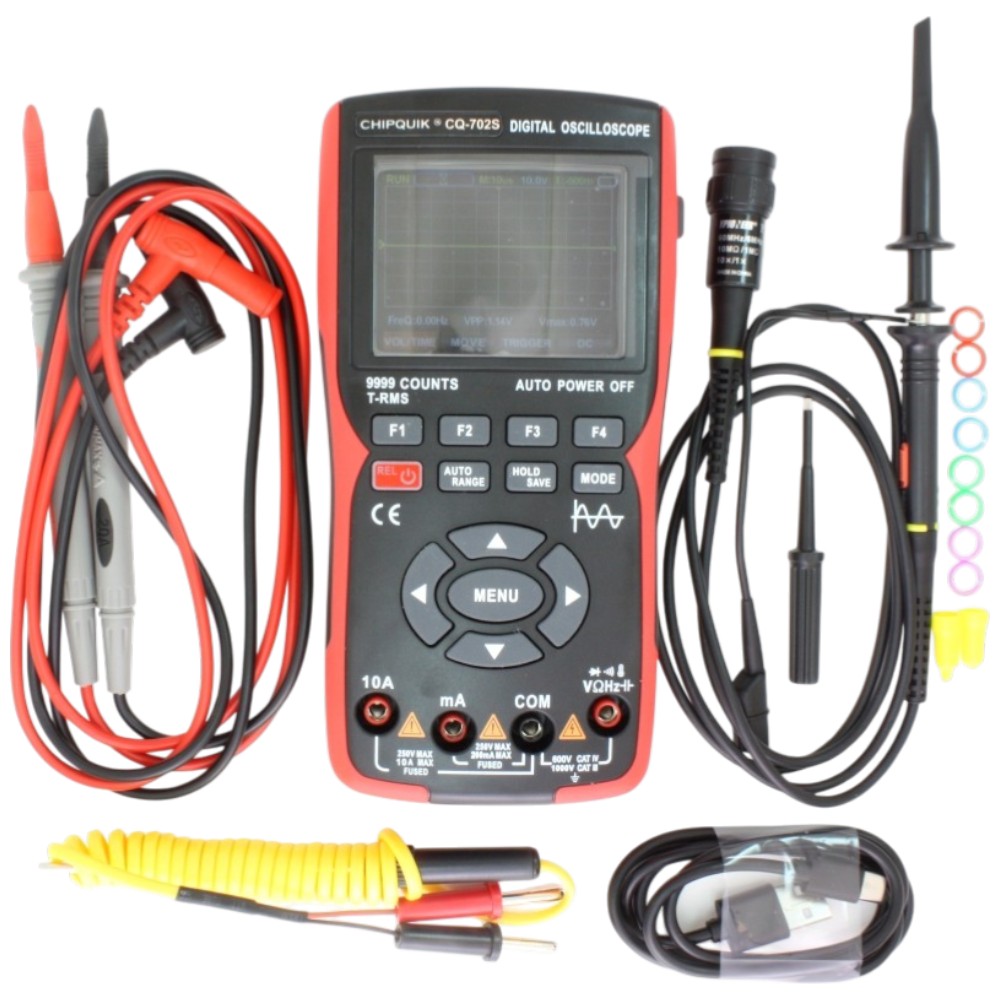
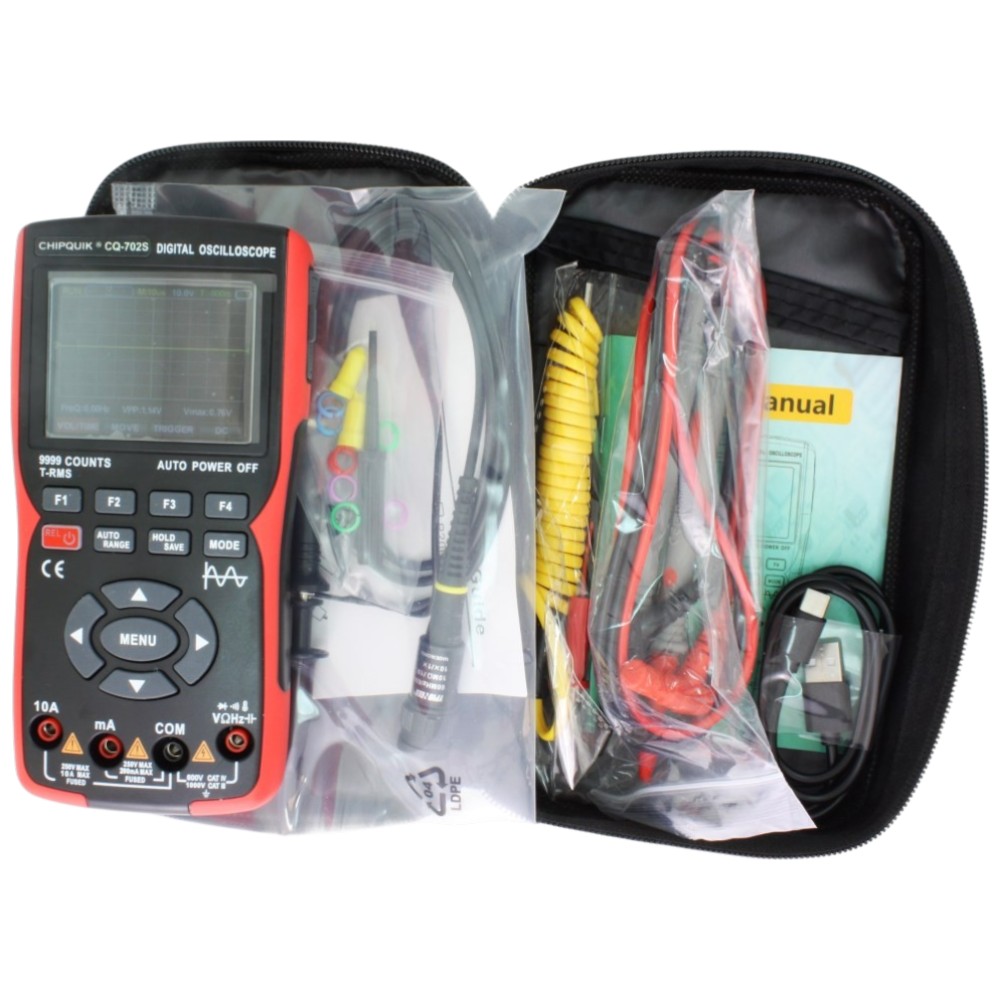
CQ-702S Includes Only:
- CQ-702S Digital Oscilloscope
- Oscilloscope Probe (X1, X10 attenuation)
- Multimeter Probes
- Temperature Probe
- USB-A to USB-C cable
Features:
- Lead-Free
- RoHS 3 Compliant
- REACH Compliant
- Digital Oscilloscope with built-in multi-meter functionality.
How to access CHIPQUIK CQ-702S Digital Oscilloscope screen captures
- While using the oscilloscope, press and hold the "HOLD SAVE" button, and it will capture the screen image of the waveform.
- Plug the oscilloscope into your computer using the USB-C port. With the oscilloscope powered on, press "MENU", hit the Right arrow two times to cycle the menu options shown above the F1, F2, F3 and F4 keys. You should see "Storage ENTER" above the "F3" key. Press the "F3" key, which will put the Oscilloscope into a mode that makes it appear as a USB disk drive to your computer.
- Open your File Explorer program on your computer, and you should see a drive letter show up labeled "DISK". Cli-ck on the "DISK" drive on your computer and you should see two folders inside: firmware and pic. Double-cli-ck the "pic" folder, and inside you should see all your screen image captures.
- On the oscilloscope, press "F2" to exit the USB disk drive function.
Technical details
Main features
- Channels 1
- Weight 734 g (includes bag and all parts)
- Bandwidth 10MHz
- Power Supply Powered by 1x 18650 Lithium Ion Rechargeable Battery (Included, pre-installed)
- Input Resistance 1Mohm at 16pF
- Sampling Rate 42MSa/s real-time sampling
- Charging USB-C charging, comes with USB-A to USB-C charge cable, requires USB-A 5VDC power adapter to connect to 120VAC power for charging (not included)
- Rise Time <10ns
- Input Coupling AC/DC
- Vertical Sensitivity 20mV/div to 10V/div
- Record Length Max 64Kbyte
- Max Input Voltage 150V (DC + AC peak)
- DC Gain Accuracy +/- 3%
- Automatic Measurement Period, Frequency, Peak-to-Peak Value, Maximum Value, Minimum Value, Effective Value
- Probe Attenuation X1, X10
- Horizontal sample rate range 1.5 to 48 MSa/s
- Waveform interpolation (sinx)x
- Sweep speed range 100ns/div to 20s/div
- Time Base Accuracy 20ppm
- Displacement range 4 cells (positive and negative)
- Analog Bandwidth 10MHz
- Low Frequency Response >10Hz
- Trigger Method Auto, Normal, Single
- Trigger Edge Rising Edge, Falling Edge
Reviews.
There are currently no reviews for this product. You can leave the first review and share your experience.