
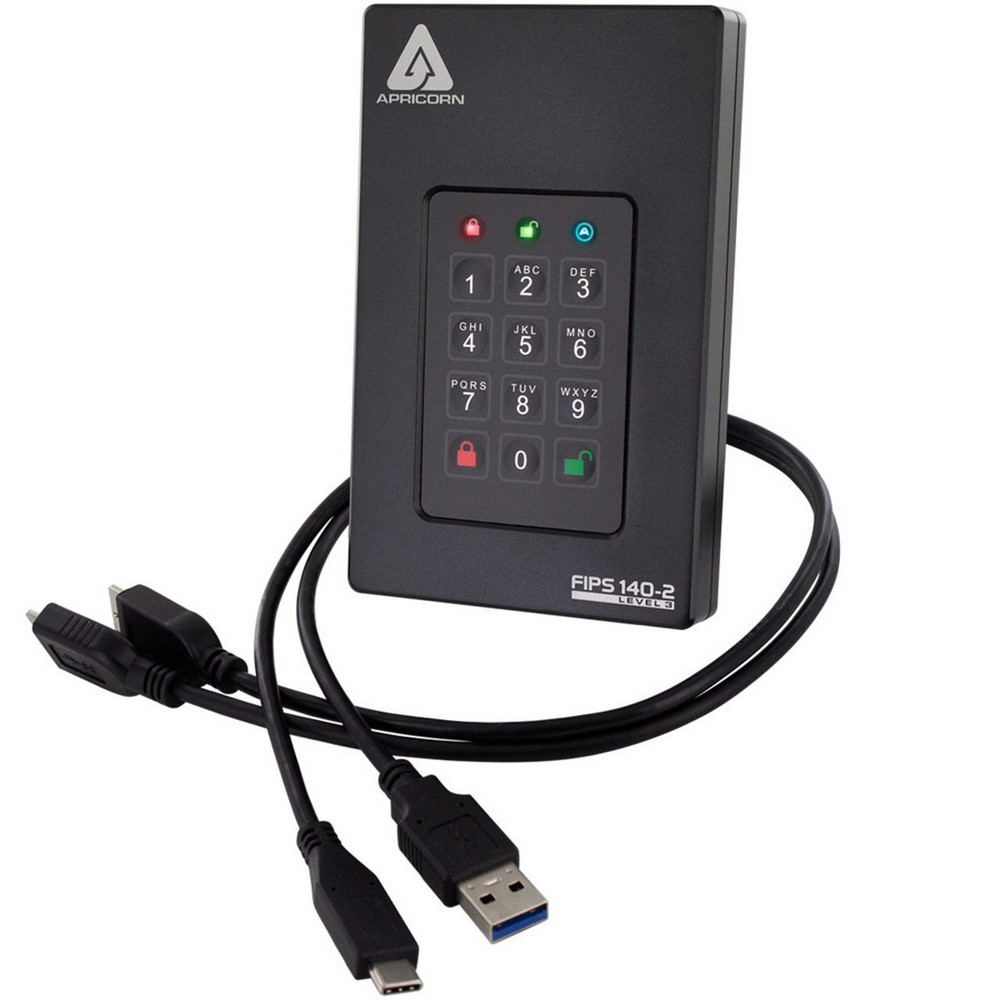
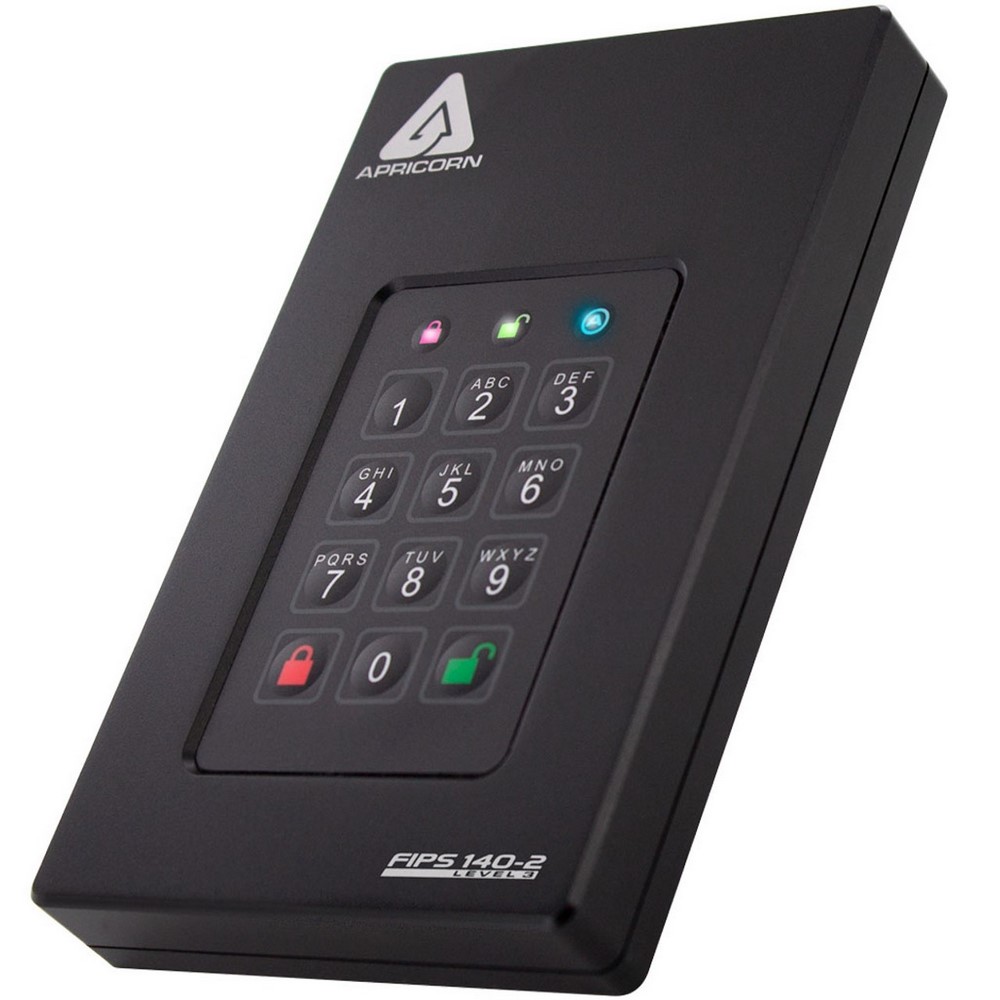
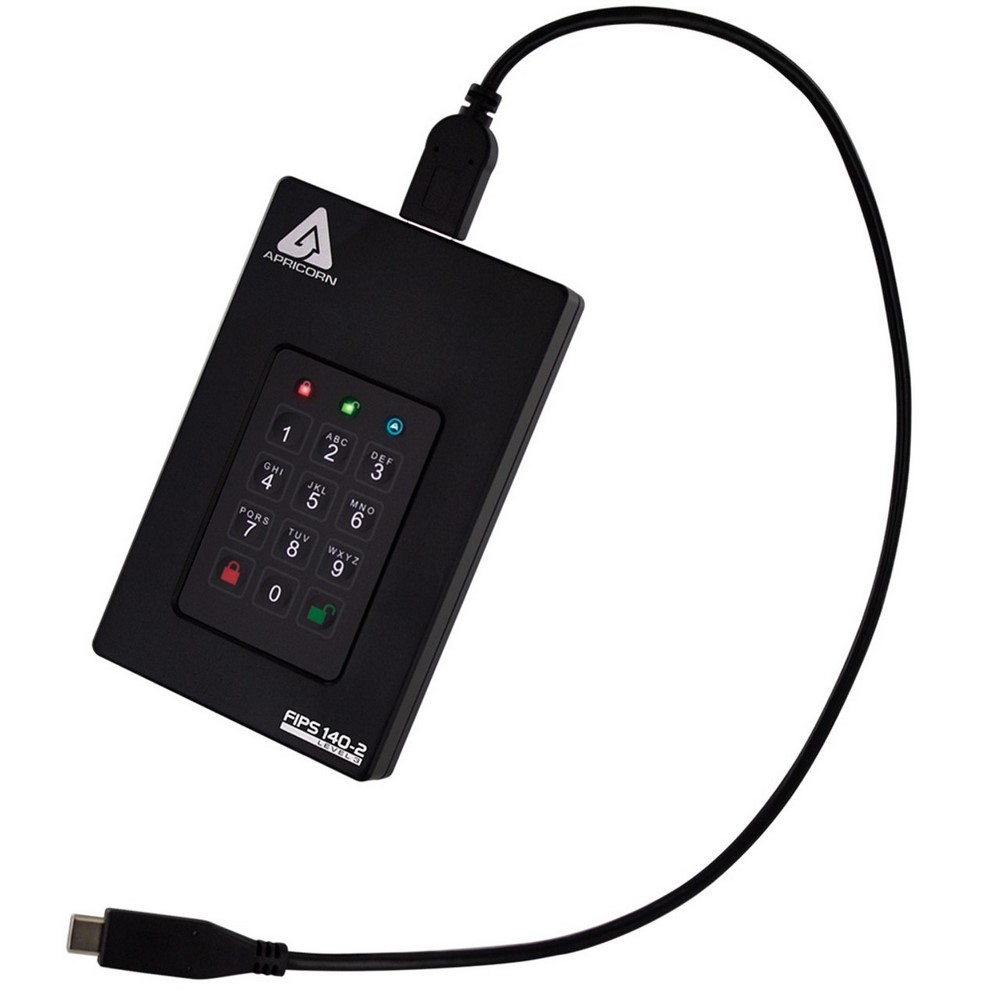
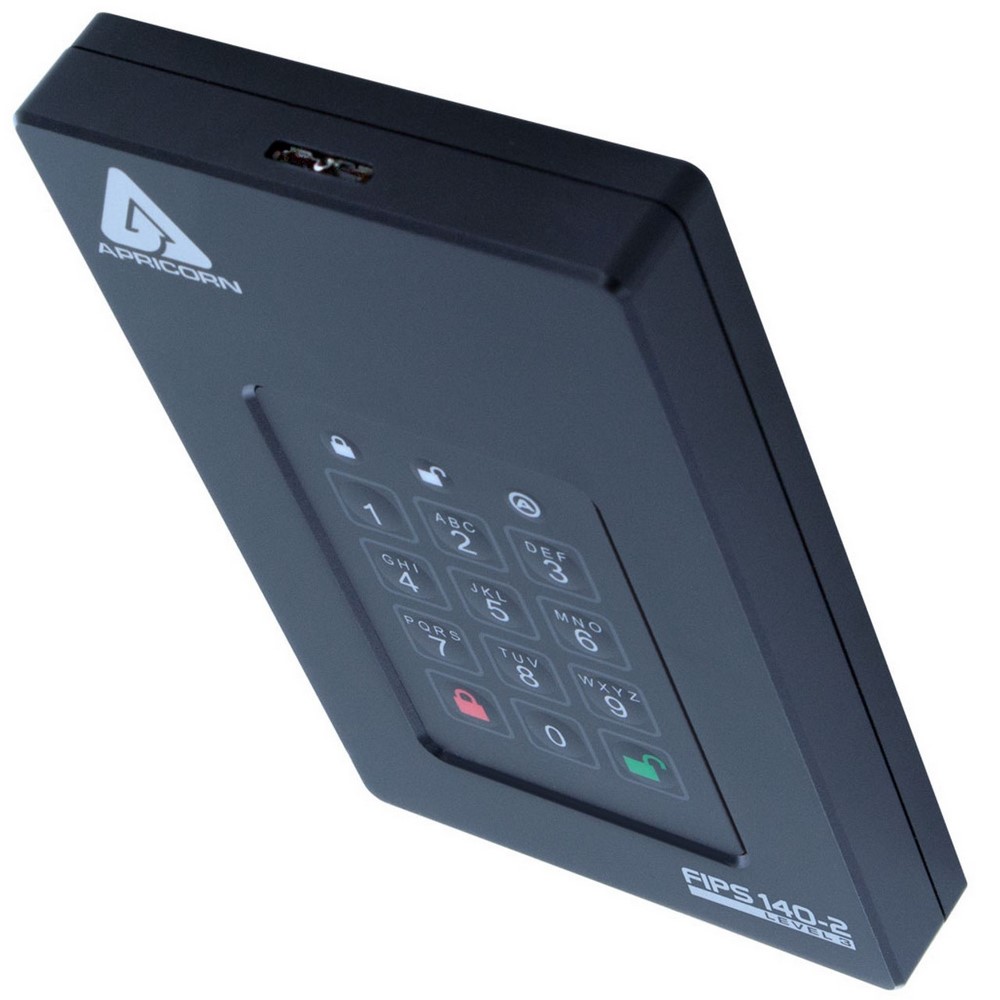
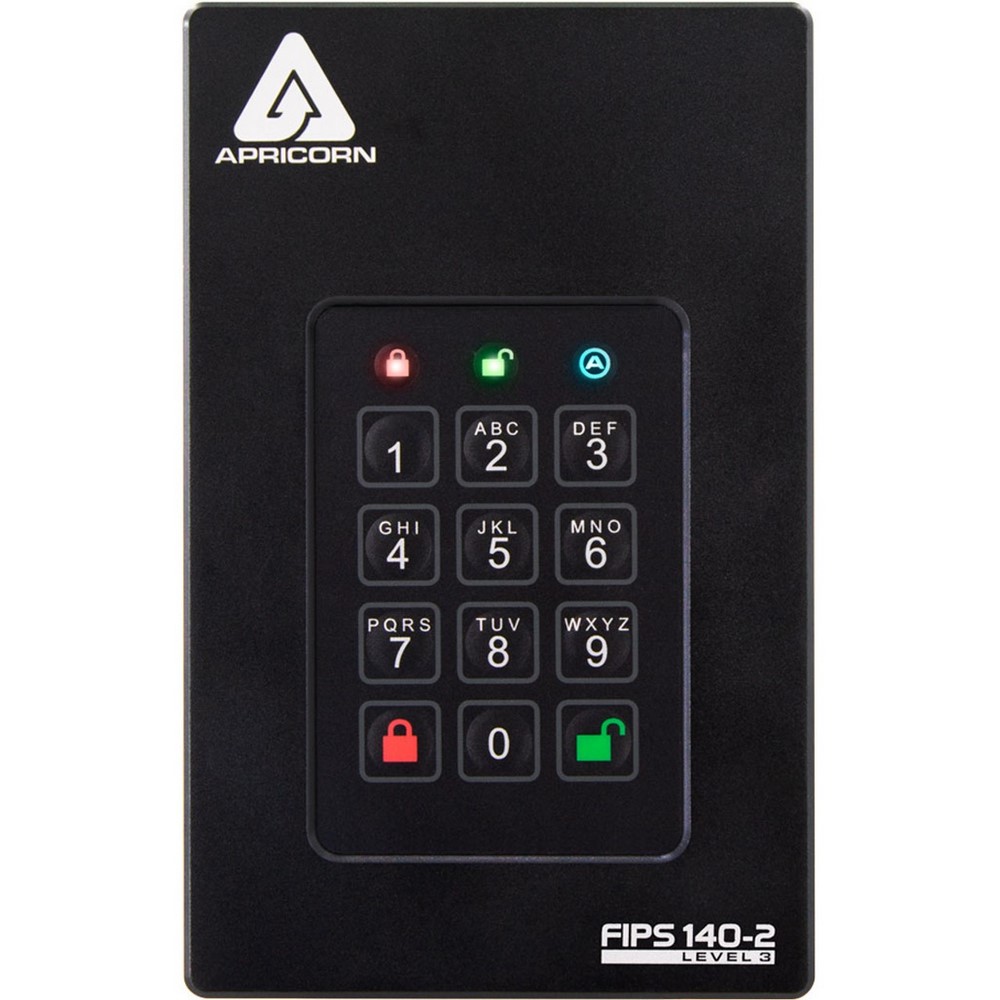
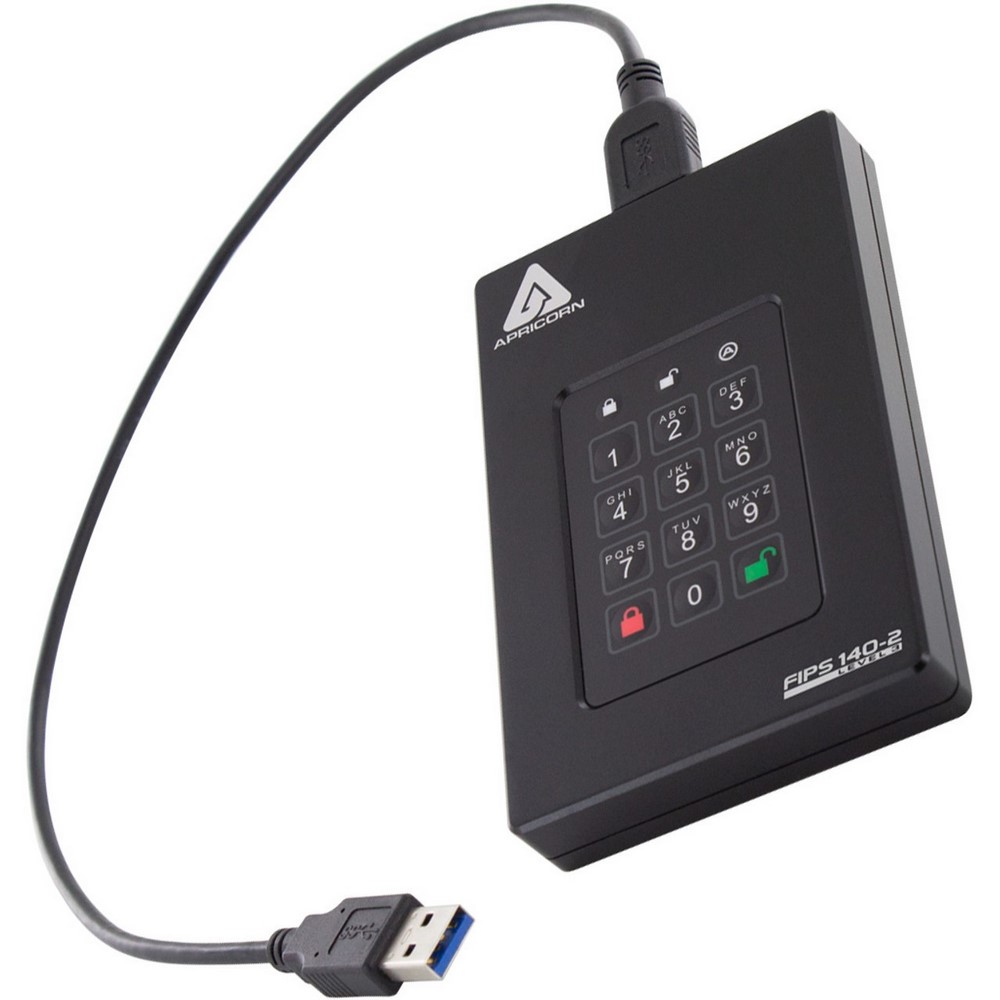

Apricorn AFL3-S1TB Aegis Fortress 1TB Solid State Drive
Condition:  Brand New
 $805.00 /Each
$919.00 You save $114.00 12%
 Manufacturer warranty
Description
Apricorn, AFL3- S1TB, Aegis Fortress L3 FIPS Validated 1TB USB 3.0 Hardware Encrypted Portable Solid State Drive
Features:
- FIPS inside and out. Many encrypted hard drives claim to have FIPS validation. Oftentimes, they're really talking about a single part of the device having that validation, like the encryption module, for example. So when we say the Fortress L3 completely meets NIST's requirements for FIPS 140-2 Level 3, it is talking about a validation that addresses the entire device: the hard drive, the electronics, the outer enclosure, even its breakaway fasteners - all are included in its FIPS 140-2 level 3 validation boundary.
- Really, really fast. The Aegis Fortress L3 is the first in line of portable secure devices to incorporate next-generation chipset, generating speed increases of 150% (write) and 180% (read) when compared to the previous generation of Aegis Fortress (SSD). Coupled with the USB 3.2 Gen 1 interface, the Fortress L3 can deliver transfer rates of up to 370MB/s, depending on its host computer's internal drive type.
- Works anywhere. Like all Aegis secure drives, the Fortress L3 is software-free and completely hardware-encrypted, making it completely cross-compatible and OS-agnostic. Since 100% of its authentication and encryption processes take place within the device itself, none of the CSPs are ever shared with its host computer. And with its two detachable connector cables, the Fortress L3 connects with both USB type-A and type-C ports.
- Pocket full of data. With 13 storage capacity options, there's a Fortress L3 to fit your every demand for space.
- Separate Admin and User Modes / PINs. Admin (Device Configuration) Mode and User Access Mode. The Admin mode controls the universal programmable settings of the device and can only be accessed with the Admin PIN. The User mode is for general external drive usage like read /write, unlock / lock, and certain other functions. The User mode is accessible via a User PIN or the Admin PIN.
- Admin Forced Enrollment. Eliminates factory default PIN vulnerability by forcing the enrollment of an Admin PIN prior to use. As with all Apricorn Aegis secure devices, there are no default passwords and no backdoors. In order to use any Apricorn secure drive, the Admin must first establish a complex PIN.
- User Forced Enrollment. Beyond the admin PIN, one additional PIN can be generated to access the device's data. This User PIN can be set up by the admin at initial setup, or the device can be deployed in a state of User Forced Enrollment, allowing the user to establish his or her own PIN prior to use.
- Data Recovery PINs. Programmed by the admin at the time of setup to permit regaining access to the drive by creating a state of User Forced Enrollment in which a User PIN can be created without affecting the drive's existing data or the Admin PIN.
- Two Read-Only Modes. Universal Read Only: set by the admin from within the admin mode and can't be modified or disabled by anyone but the admin. The second (User) mode can be set and disabled by a user but can also be enabled or disabled by the admin.
- Programmable PIN Length. Admin Designates.Minimum and Maximum PIN Lengths (between 7 and 16 Characters). The longer the PIN, the more secure the data on the device becomes. For example, the odds of brute force success go from 1/10,000,000 with a 7-digit PIN to 1/100,000,000 with an 8-digit PIN. In cases where the User sets up his or her own PIN from User Forced Enrollment, the Admin can still affect User password length requirements.
- Unattended Auto Lock. Programmable Length of Time of Inactivity Permitted Before Drive Locks Itself. All Aegis Secure Drives will automatically lock once disconnected from a computer's USB port or the power to that USB port is interrupted, or after a pre-programmed period of inactivity.
- Lock Override. Allows Drive to Remain Unlocked During USB Port Re Enumeration (Virtual Machine, Remote Boot). Designated for specific cases in which the drive needs to remain unlocked through USB port re-enumeration such as during reboot, or passing through a virtual machine.
- Self-Destruct PIN. When Programmed and Activated, Performs a Crypto-Erase and Becomes Access PIN. The last line of defense for data security is when the device's physical security is at risk. The Self-Destruct PIN defends against these physically compromising situations by erasing the drive's contents, leaving it in normal working order appearing yet to be deployed.
- Brute Force Defense. Programmable Number of Consecutive Invalid PIN Attempts Permitted (4-20) Before Crypto-Erase. If the device comes under a physical brute force attack, once the programmed number (between 4 and 20) of consecutive incorrect password entries has been attempted, the device will delete its own encryption key and destroy the ability to decrypt its stored data.
- Provision Lock. The patented setting where the admin can designate whether the device will permit itself to be reset by a User or after a brute force attempt. If Provision Lock is enabled, any attempt at complete reset will "brick" the device for good.
- Aegis Configurator™. Compatible Windows-Based App that Quickly Sets Up Multiple Devices Simultaneously. Create custom profiles and mass configures multiple devices in a matter of seconds using the Aegis Configurator. To configure an expanded number of devices, use the Powered Aegis Configurator Hub bundle.
Created to completely meet NIST's requirements for FIPS 140-2 Level 3 - the highest security validation awarded to removable storage devices. But it also happens to be super fast and ultra rugged. The Aegis Fortress L3 is the perfect combination of software-free operation, advanced read/write speeds, and the maximum mix of security and durability.
Technical details
Main features
- Interface USB 3.2 gen 1
- Capacity (TB) 1
- Approvals FCC, CE | FIPS 140-2 Level 3 Validated
- Power Supply 100% Bus Powered
- Version SSD
- System Requirements Compatible with all Operating Systems, including Windows, Mac and Linux Requires USB port (for maximum speeds must be used with a USB 3.0 port) Backwards compatible with USB 2.0 and 1.1
- Data Transfer Rate Up to 370 MB/sec
- Buffer Size 8MB
- Average Seek Time 0.1 ms Access Time
- Shock - Operating 1500G/0.5ms | Virtually shock and vibration resistant
- Dimensions SSD 16.5mm x 77mm x 122mm (0.65" x 3" x 4.8")
- Certification Policies NIST Cert. #3996
- ECCN / HTS / Cage Code 5A992.c / 8523.51.0000 / 3VYK8
- Comments Drive Type: Solid State Drive Encryption: 256-bit AES Hardware Encryption Operating Temperature Range: -40°F to 158°F (-40°C to 70°C) Operating Humidity Range: 95% humidity at temperatures under 131°F (55°C) Vibration: 20G/20-2000Hz
Reviews.
There are currently no reviews for this product. You can leave the first review and share your experience.